
Browse Mac apps for iPhone and iPad
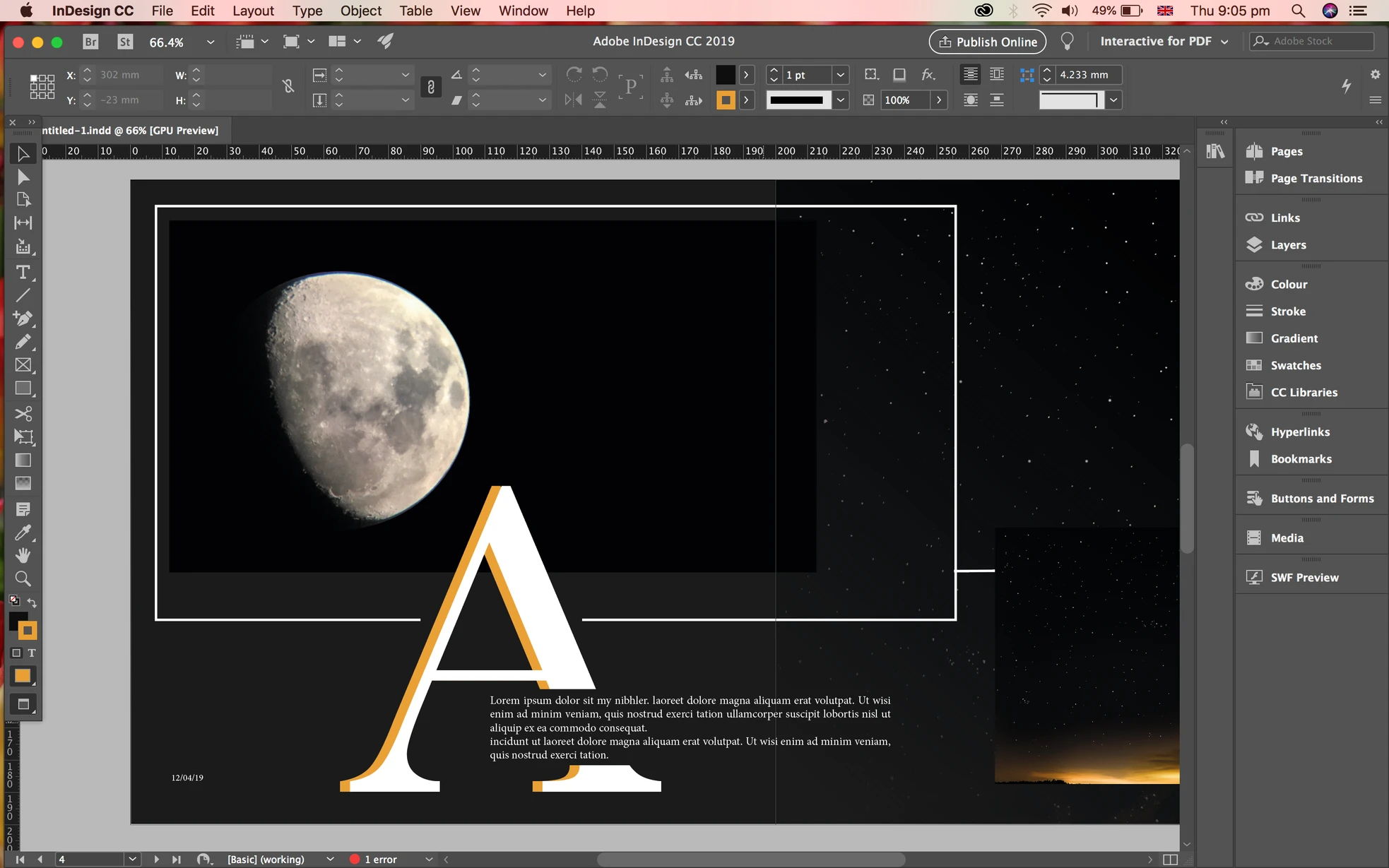
Keep the publication close
Review the spread you're working on, check the Pages panel, or correct a short piece of text without transferring the document. Your Mac keeps the linked images, fonts, and publication files together.
- Review a spread in the current publication
- Check pages and layout controls
- Make a small text correction in the Mac document
Use InDesign on iPad
An iPad gives a publication’s spread and Pages panel more room than a phone. Review the Mac layout or correct a short piece of text while the linked images and fonts stay on your Mac. Use your Mac for print proofing.
How to get InDesign on your iPhone or iPad
- Open InDesign on your Mac and install the free Apperture Mac host.
- Get Apperture on your iPhone or iPad, then pair with your Mac using its QR code.
- Connect to your Mac and choose the InDesign window. Use landscape orientation for more room.
Keep your Mac awake and on a network your iPhone or iPad can reach. Start on the same local network; for access away from home, see the Tailscale setup guide.
Can I use InDesign on my iPhone or iPad with Apperture?
Yes — by streaming InDesign from your Mac with Apperture. The desktop app runs on your Mac; your iPhone or iPad displays its window and sends remote input back. You need a reachable, awake Mac with InDesign installed, the free Apperture Mac host, and the Apperture app on your iPhone or iPad.
InDesign continues running on your Mac. A phone is useful for a quick layout check, but typography, print proofing, and detailed page work deserve a larger display. Adobe’s InDesign workspace guide.
InDesign is a trademark of its owner. Apperture is an independent app and is not affiliated with or endorsed by InDesign's developer.