
Browse Mac apps for iPhone and iPad
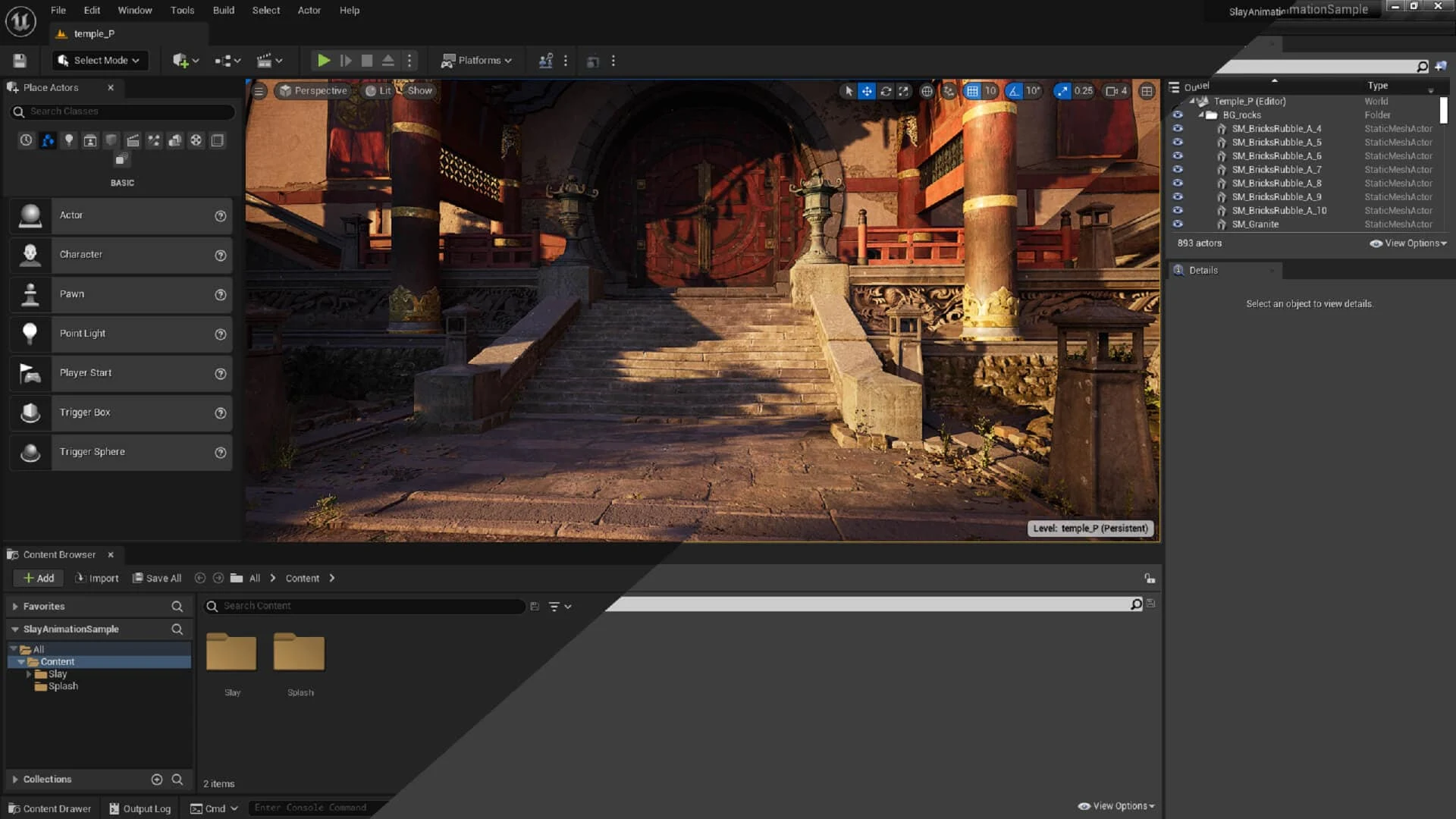
Stay close to the desktop project
Open the Unreal Editor on your Mac with the level, assets, and project settings already loaded. Inspect a Blueprint, read output logs, or check compilation progress while away from the development desk.
- Review the level and asset browser
- Inspect Blueprint graphs and settings
- Check logs and compilation status
Use Unreal Engine on iPad
Use an iPad for more room around a Blueprint graph or level viewport. The Mac project stays open with its assets and installed editor tools.
How to get Unreal Engine on your iPhone or iPad
- Open Unreal Engine on your Mac and install the free Apperture Mac host.
- Get Apperture on your iPhone or iPad, then pair with your Mac using its QR code.
- Connect to your Mac and choose the Unreal Engine window. Use landscape orientation for more room.
Keep your Mac awake and on a network your iPhone or iPad can reach. Start on the same local network; for access away from home, see the Tailscale setup guide.
Can I use Unreal Engine on my iPhone or iPad with Apperture?
Yes — by streaming Unreal Engine from your Mac with Apperture. The desktop app runs on your Mac; your iPhone or iPad displays its window and sends remote input back. You need a reachable, awake Mac with Unreal Engine installed, the free Apperture Mac host, and the Apperture app on your iPhone or iPad.
Unreal Engine runs on your Mac and retains that platform’s feature and hardware support. Remote access does not enable Windows-only tools or replace local performance testing. Unreal Engine product information.
Unreal Engine is a trademark of its owner. Apperture is an independent app and is not affiliated with or endorsed by Unreal Engine's developer.